A First Look at Vite
Vite is a frontend build tool and open source project created by Evan You that increases development speed and serves native ES modules with ESBuild & Rollup
All of this project's code can be found in the First Look monorepo on my GitHub.
Introduction
Vite (French word for "fast", pronounced /vit/, rhymes with "street") is a frontend build tool and open source project created by Evan You on April 20, 2020 in between his second and third viewing of Dazed and Confused. Vite 2.0 was officially released on February 16, 2021 and aims to provide a faster and leaner development experience for modern web projects. It consists of two parts:
- A dev server with Hot Module Replacement (HMR) that serves your source files over native ES modules
- A build command that bundles your code with Rollup, pre-configured to output highly optimized static assets for production
Create a Project from Scratch
mkdir ajcwebdev-vite
cd ajcwebdev-vite
Create HTML Entry File
touch index.html
<!-- index.html -->
<h1>ajcwebdev</h1>
Install Vite Dependency
yarn add -D vite
Add Dev Script
Open package.json and add the follow script.
{
"scripts": {
"dev": "vite"
},
"devDependencies": {
"vite": "^2.0.5"
}
}
Start Development Server
yarn dev
vite v2.0.5 dev server running at:
> Local: http://localhost:3000/
> Network: http://10.0.0.175:3000/
ready in 258ms.
Open localhost:3000.

Don't forget the <title>.
<!-- index.html -->
<head>
<title>ajcwebdev</title>
</head>
<body>
<h1>ajcwebdev</h1>
</body>

We can import modules directly inside our <script> tags thanks to ES Modules.
<!-- index.html -->
<head>
<title>ajcwebdev</title>
</head>
<body>
<h1>ajcwebdev</h1>
<script type="module">
import './main.js'
</script>
</body>
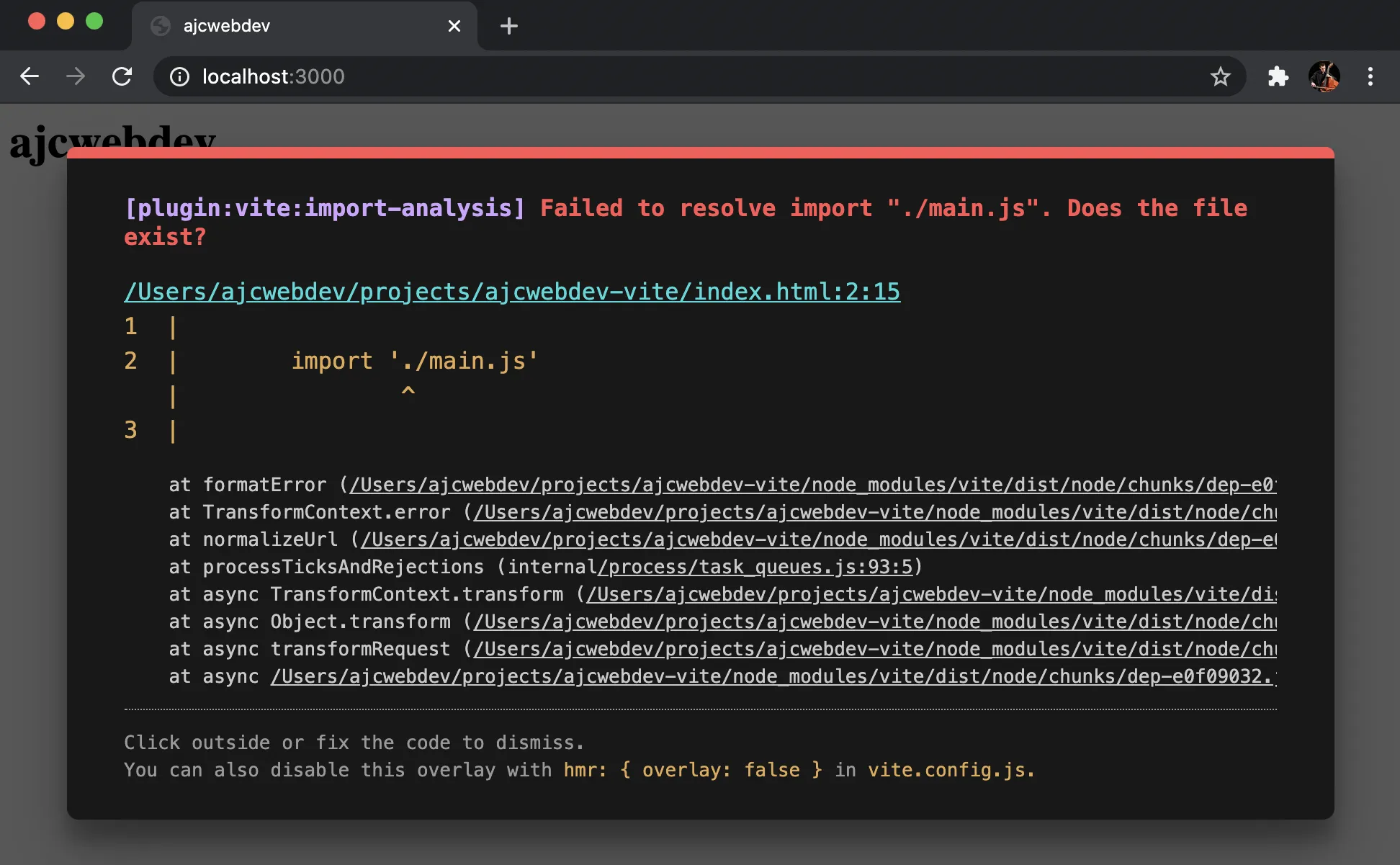
We are trying to import main.js but we haven't created it yet. This will cause the server to display one of the most aesthetically pleasing error messages you will ever see.
Create JavaScript Entry File
touch main.js
Console log a message to your dude.
// main.js
console.log('sah dude')

Create CSS Stylesheet
touch style.css
You only get one color so make it count.
/* style.css */
h1 {
color: purple
}

Create a Single Page App that Renders a Root Component
Cause it's the only thing they ever taught you.
<!-- index.html -->
<!DOCTYPE html>
<html lang="en">
<head>
<meta charset="UTF-8" />
<meta
name="viewport"
content="width=device-width, initial-scale=1.0"
/>
<title>
ajcwebdev
</title>
</head>
<body>
<div id="app"></div>
<script type="module" src="/main.js"></script>
</body>
</html>
If we look back at localhost:3000 we will see our blank canvas. Alternatively known as "the only thing your website does" for people with JavaScript turned off.
We will paint the canvas with our imperative DOM manipulations just as Elder Resig instructed.
// main.js
import './style.css'
document.querySelector('#app').innerHTML = `
<h1>ajcwebdev</h1>
<a
href="https://dev.to/ajcwebdev"
target="_blank"
>
Blog
</a>
`
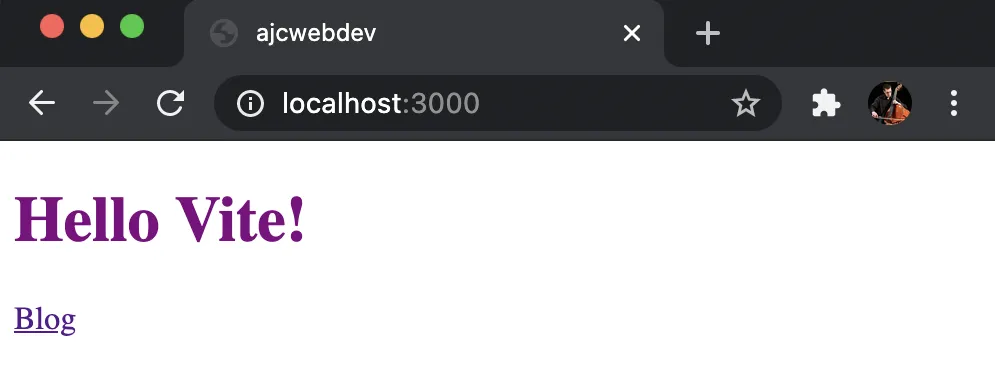
And that's the whole website, that'll be $10,000 dollars.
Create Vue App
Huh, what's that? You came here expecting a Vue site? What gave you that idea?
It's from the creator of Vue, it starts with a V, and it was used as literally a drop in replacement for the word Vue in VitePress. I'm sure that's all just a coincidence.
Initialize Project
yarn create @vitejs/app ajcwebdev-vite --template vue
Output:
success Installed "@vitejs/create-app@2.2.5" with binaries:
- create-app
- cva
Scaffolding project in /Users/ajcwebdev/ajcwebdev-vite...
Done. Now run:
cd ajcwebdev-vite
yarn
yarn dev
✨ Done in 2.18s.
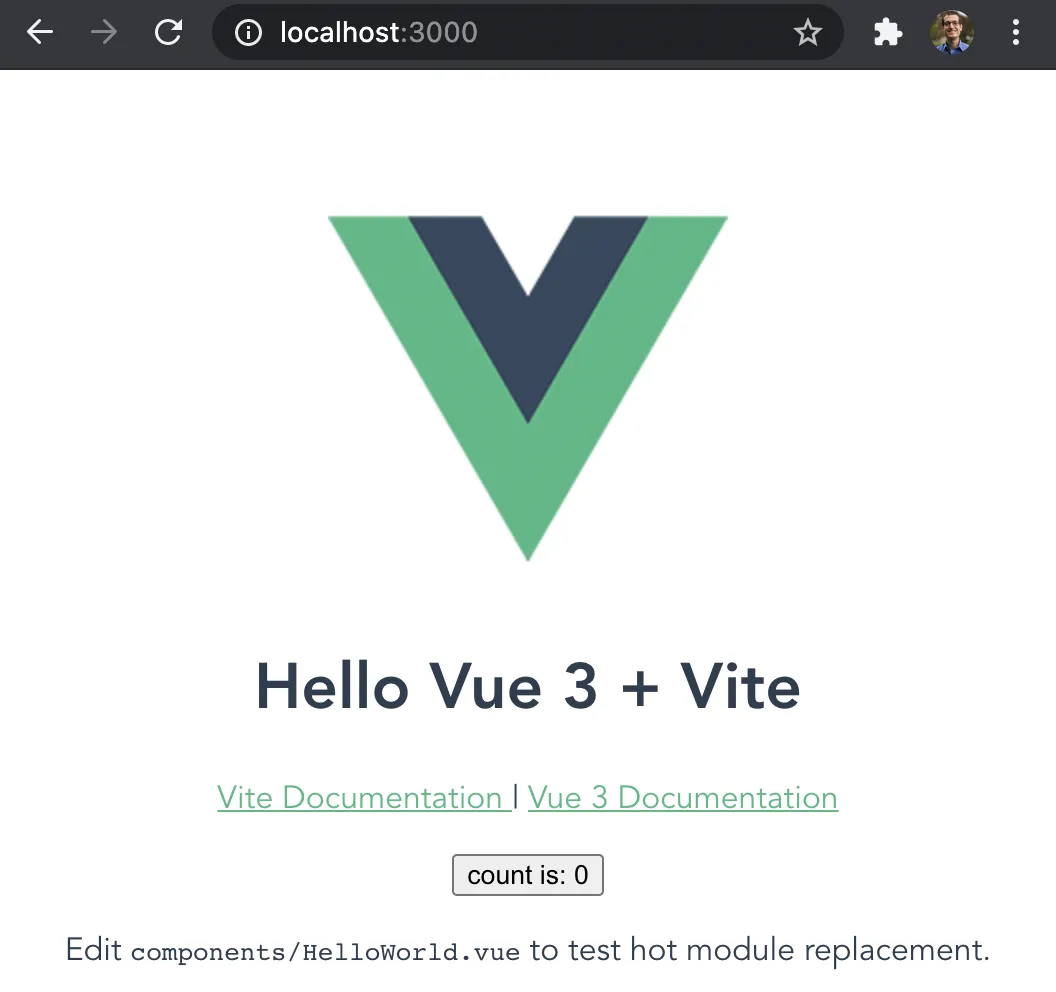
Start the development server.
cd ajcwebdev-vite
yarn
yarn dev
vite v2.2.4 dev server running at:
> Local: http://localhost:3000/
> Network: http://10.0.0.175:3000/
ready in 256ms.
Project Structure
├── public
│ └── favicon.ico
├── src
│ ├── assets
│ │ └── logo.png
│ ├── components
│ │ └── HelloWorld.vue
│ ├── App.vue
│ └── main.jsx
├── .gitignore
├── index.html
├── package.json
├── vite.config.js
└── yarn.lock
Our package.json includes scripts for starting the development server, building for production, and serving local previews of production builds.
{
"name": "ajcwebdev-vite",
"version": "0.0.0",
"scripts": {
"dev": "vite",
"build": "vite build",
"serve": "vite preview"
},
"dependencies": {
"vue": "^3.0.5"
},
"devDependencies": {
"@vitejs/plugin-vue": "^1.2.2",
"@vue/compiler-sfc": "^3.0.5",
"vite": "^2.2.3"
}
}
App Vue Component
<!-- src/App.vue -->
<template>
<img
alt="Vue logo"
src="./assets/logo.png"
/>
<HelloWorld msg="Hello Vue 3 + Vite" />
</template>
<script setup>
import HelloWorld from './components/HelloWorld.vue'
</script>
<style>
#app {
font-family: Avenir, Helvetica, Arial, sans-serif;
-webkit-font-smoothing: antialiased;
-moz-osx-font-smoothing: grayscale;
text-align: center;
color: #2c3e50;
margin-top: 60px;
}
</style>
HelloWorld Component
<!-- src/components/HelloWorld.vue -->
<template>
<h1>{{ msg }}</h1>
<p>
<a
href="https://vite.dev/guide/features.html"
target="_blank"
>
Vite Documentation
</a>
|
<a
href="https://vuejs.org/"
target="_blank"
>
Vue 3 Documentation
</a>
</p>
<button @click="state.count++">
count is: {{ state.count }}
</button>
<p>
Edit
<code>components/HelloWorld.vue</code> to test hot module replacement.
</p>
</template>
<script setup>
import { defineProps, reactive } from 'vue'
defineProps({
msg: String
})
const state = reactive({ count: 0 })
</script>
<style scoped>
a {
color: #42b983;
}
</style>
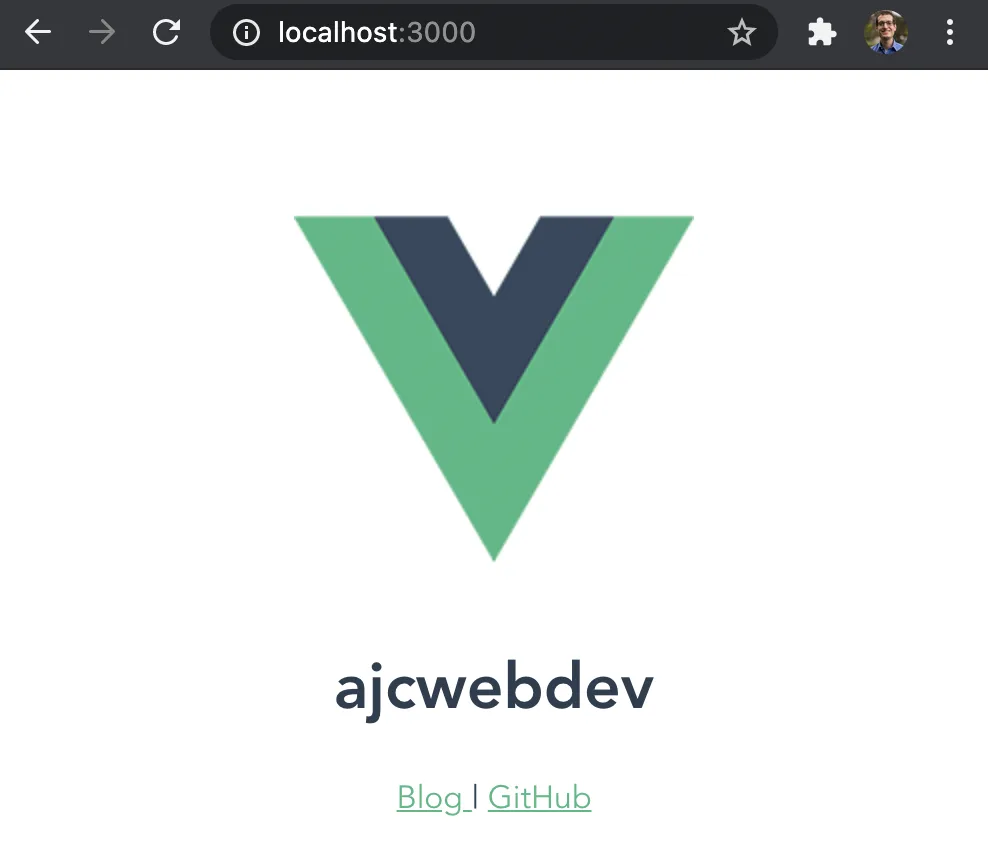
Modify the components.
<!-- src/components/HelloWorld.vue -->
<template>
<h1>{{ msg }}</h1>
<p>
<a
href="https://dev.to/ajcwebdev"
target="_blank"
>
Blog
</a>
|
<a
href="https://github.com/ajcwebdev"
target="_blank"
>
GitHub
</a>
</p>
</template>
<script setup>
import { defineProps } from 'vue'
defineProps({
msg: String
})
</script>
<style scoped>
a {
color: #42b983;
}
</style>
<!-- src/App.vue -->
<template>
<img
alt="Vue logo"
src="./assets/logo.png"
/>
<HelloWorld msg="ajcwebdev" />
</template>
<script setup>
import HelloWorld from './components/HelloWorld.vue'
</script>
<style>
#app {
font-family: Avenir, Helvetica, Arial, sans-serif;
-webkit-font-smoothing: antialiased;
-moz-osx-font-smoothing: grayscale;
text-align: center;
color: #2c3e50;
margin-top: 60px;
}
</style>
Deploy to Netlify
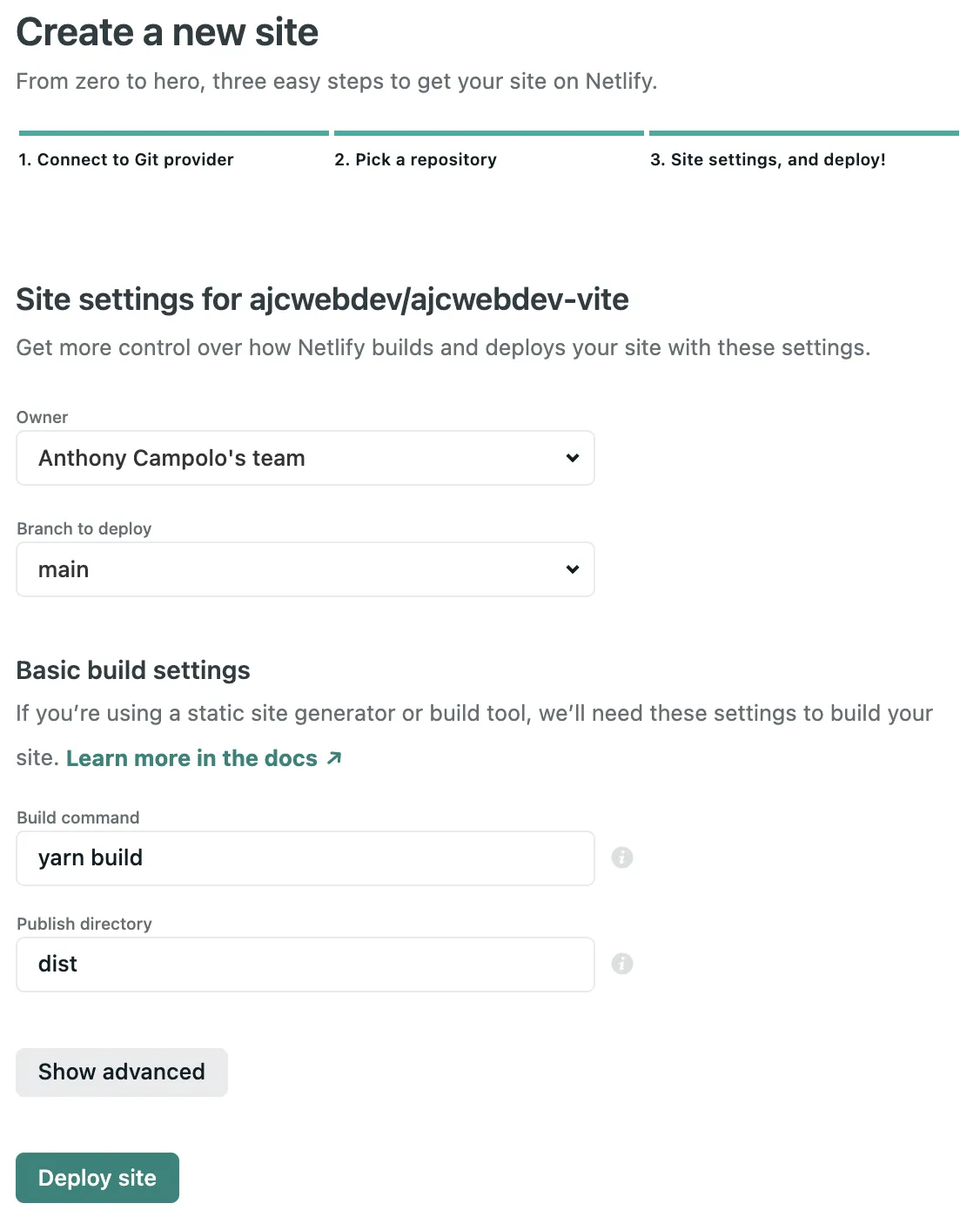
Create a netlify.toml file to define the build command and publish directory for the static assets.
touch netlify.toml
[build]
publish = "dist"
command = "yarn build"
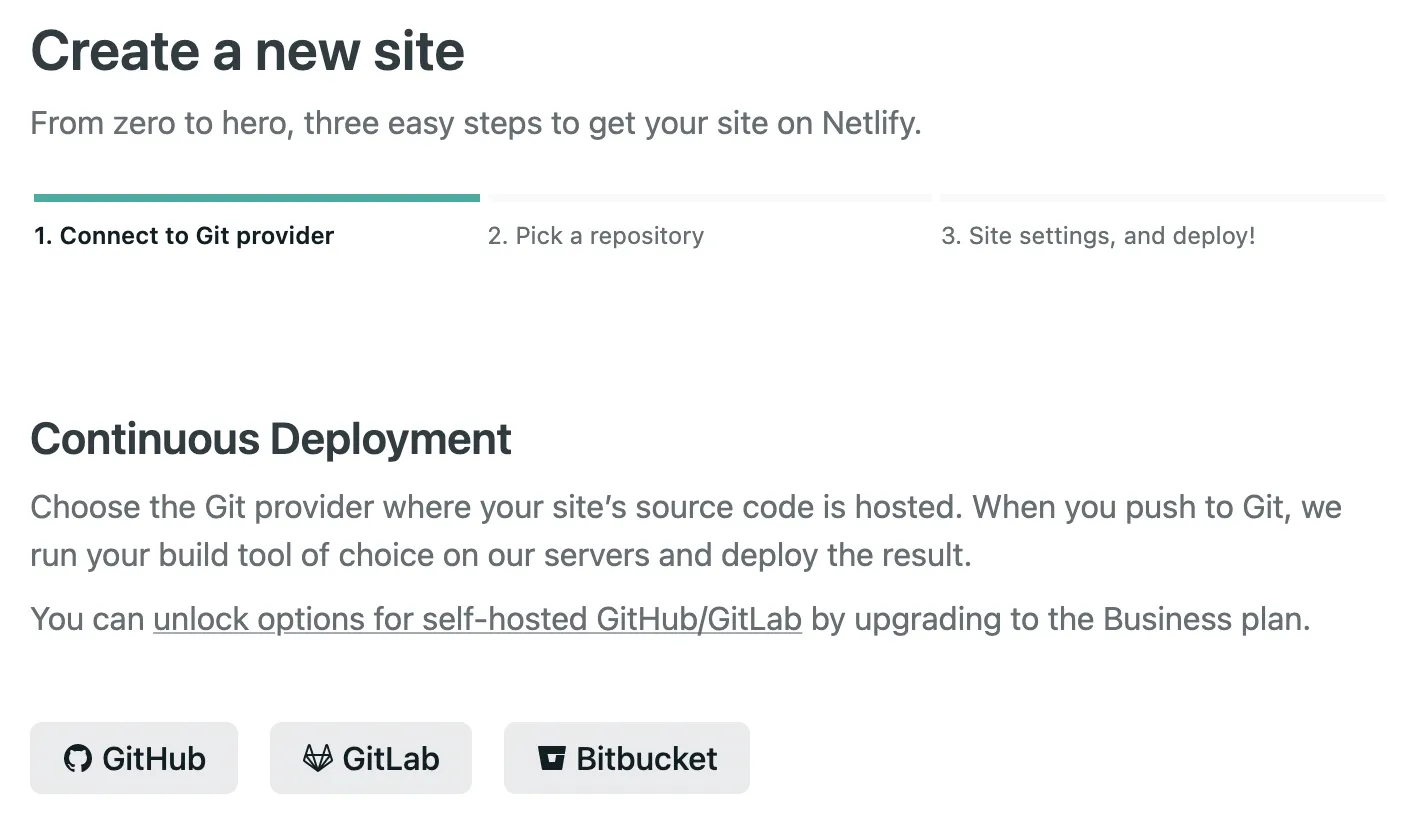
Connect to your Git provider.
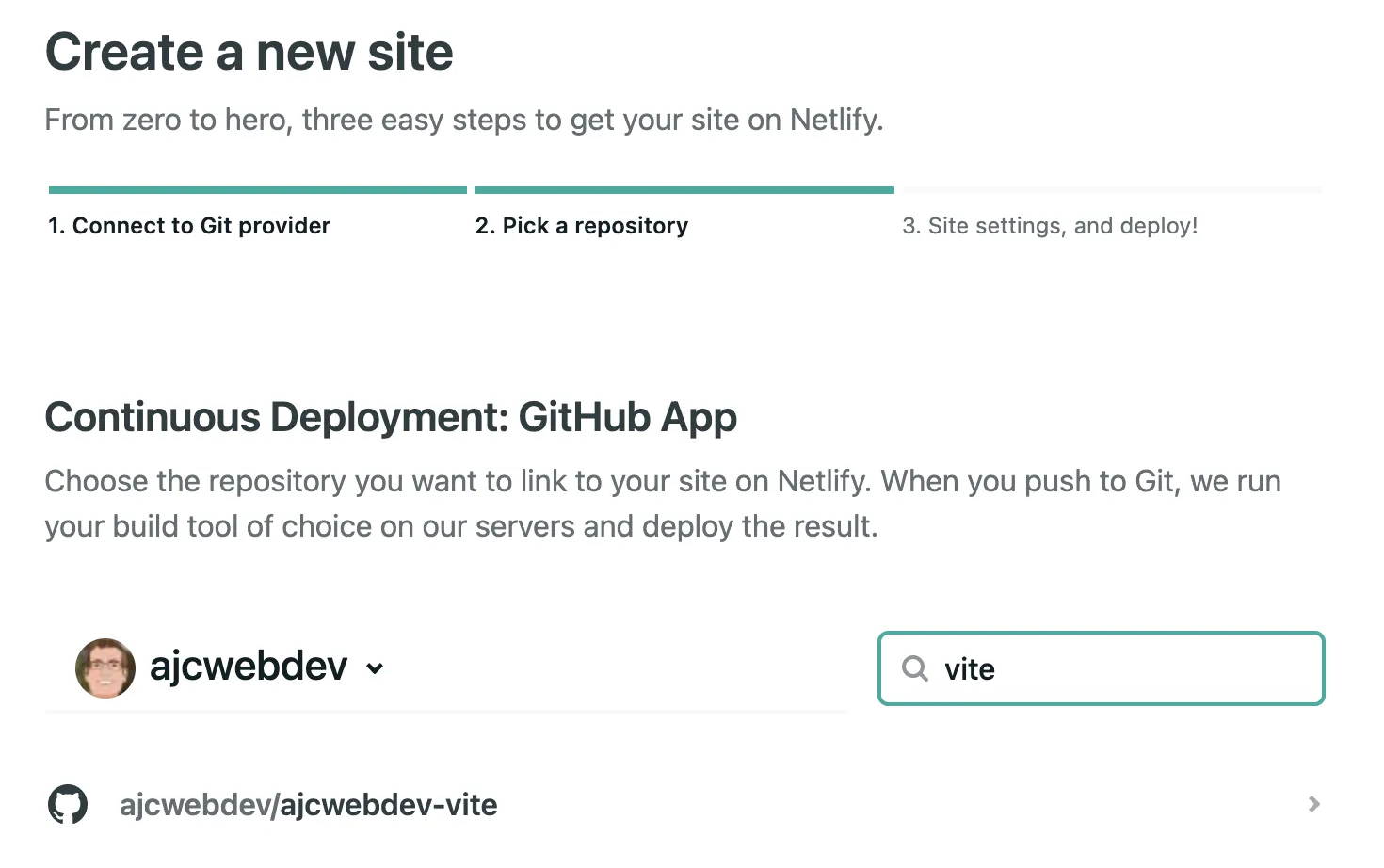
Select the repository.
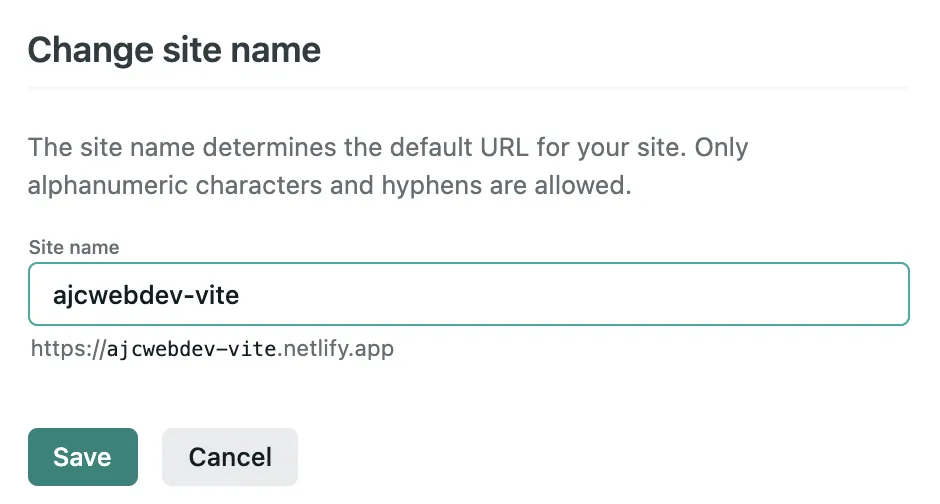
Go to site settings to create custom domain name.
Pick a domain name.
Check the build time for bragging rights.
────────────────────────────────────────────────────────────────
1. build.command from netlify.toml
────────────────────────────────────────────────────────────────
$ yarn build
yarn run v1.22.4
warning package.json: No license field
$ vite build
vite v2.2.4 building for production...
transforming...
✓ 13 modules transformed.
rendering chunks...
dist/assets/logo.03d6d6da.png 6.69kb
dist/index.html 0.47kb
dist/assets/index.20c6b699.css 0.20kb / brotli: 0.12kb
dist/assets/index.a12a9eaa.js 1.19kb / brotli: 0.59kb
dist/assets/vendor.de5b410a.js 42.41kb / brotli: 15.34kb
Done in 3.43s.
(build.command completed in 3.7s)
────────────────────────────────────────────────────────────────
2. Deploy site
────────────────────────────────────────────────────────────────
Starting to deploy site from 'dist'
Creating deploy tree
Creating deploy upload records
4 new files to upload
0 new functions to upload
Site deploy was successfully initiated
(Deploy site completed in 332ms)
────────────────────────────────────────────────────────────────
Netlify Build Complete
────────────────────────────────────────────────────────────────
(Netlify Build completed in 4.1s)
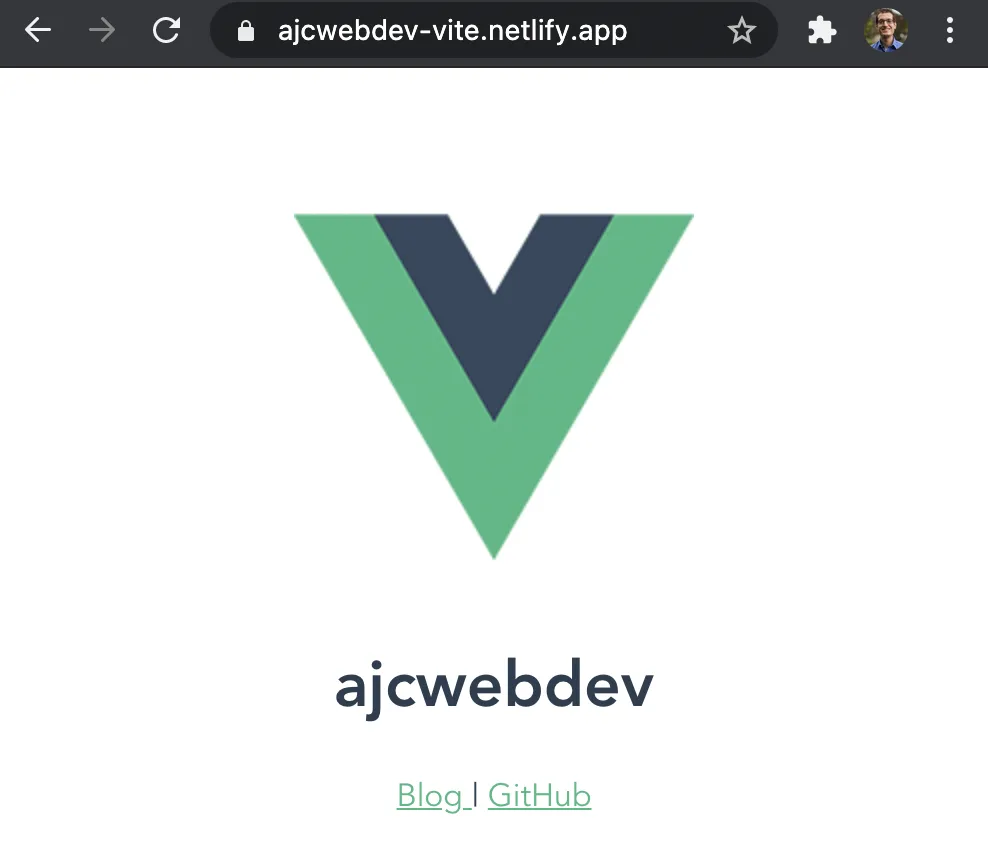
Open ajcwebdev-vite.netlify.app to see the deployed site.