# How to Query the Rick and Morty GraphQL API
> Learn how to use a GraphQL API by querying the Rick and Morty GraphQL API with curl, the Fetch API, graphql-request, and Apollo Client.
- **Collection:** Blog post
- **Published:** 2021-03-25
- **Author:** Anthony Campolo
- **Canonical URL:** https://ajcwebdev.com/query-rick-and-morty-gql-api/
- **Markdown URL:** https://ajcwebdev.com/query-rick-and-morty-gql-api/index.md
- **JSON URL:** https://ajcwebdev.com/query-rick-and-morty-gql-api/index.json
---
> ___All of this project's code can be found in the [First Look monorepo](https://github.com/ajcwebdev/a-first-look/tree/main/frontend/query-a-graphql-api/) on my GitHub.___
## Introduction
I've been going deep into GraphQL ever since I first started learning Redwood, and it's been an interesting experiment because I started with a fully complete GraphQL project with a server and client included and integrated.
As I've gotten deeper into GraphQL I've realized this is an incredible exception to the rule, the norm is everyone creating their own bespoke combination of clients and/or servers to fit their own purposes.
## Query with GraphiQL
If we wanted to take it to the total basics, you'd want to start with actually making a GraphQL query. For example, if you were to go to the following [link](https://rickandmortyapi.com/graphql) you'll see this:
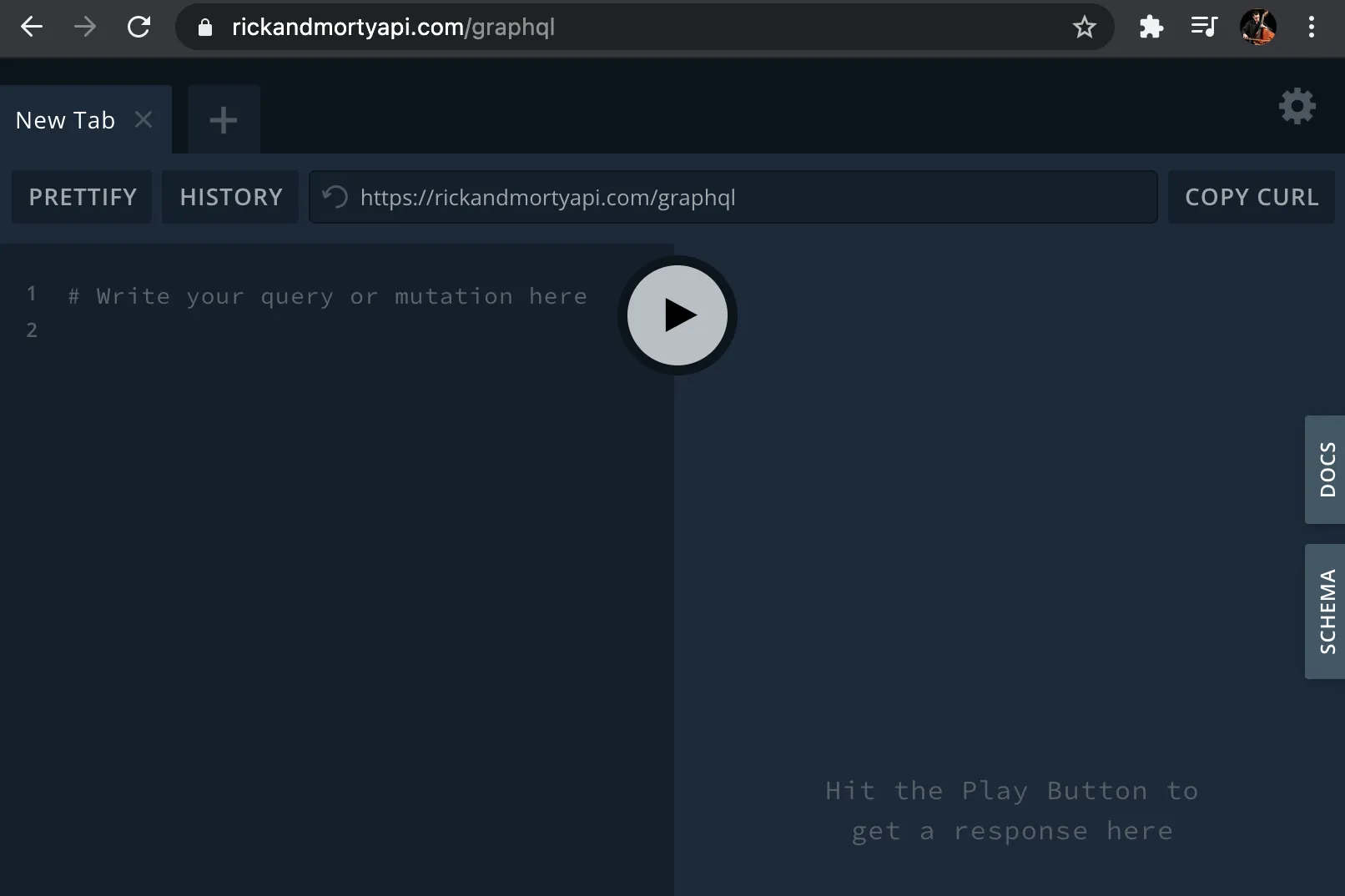
We want to make a query, so we'll enter the following `query` for `characters`, specifically their `name` (the `results` array is a quirk of this specific GraphQL schema).
```graphql
{
characters {
results {
name
}
}
}
```
This returns an array of names.
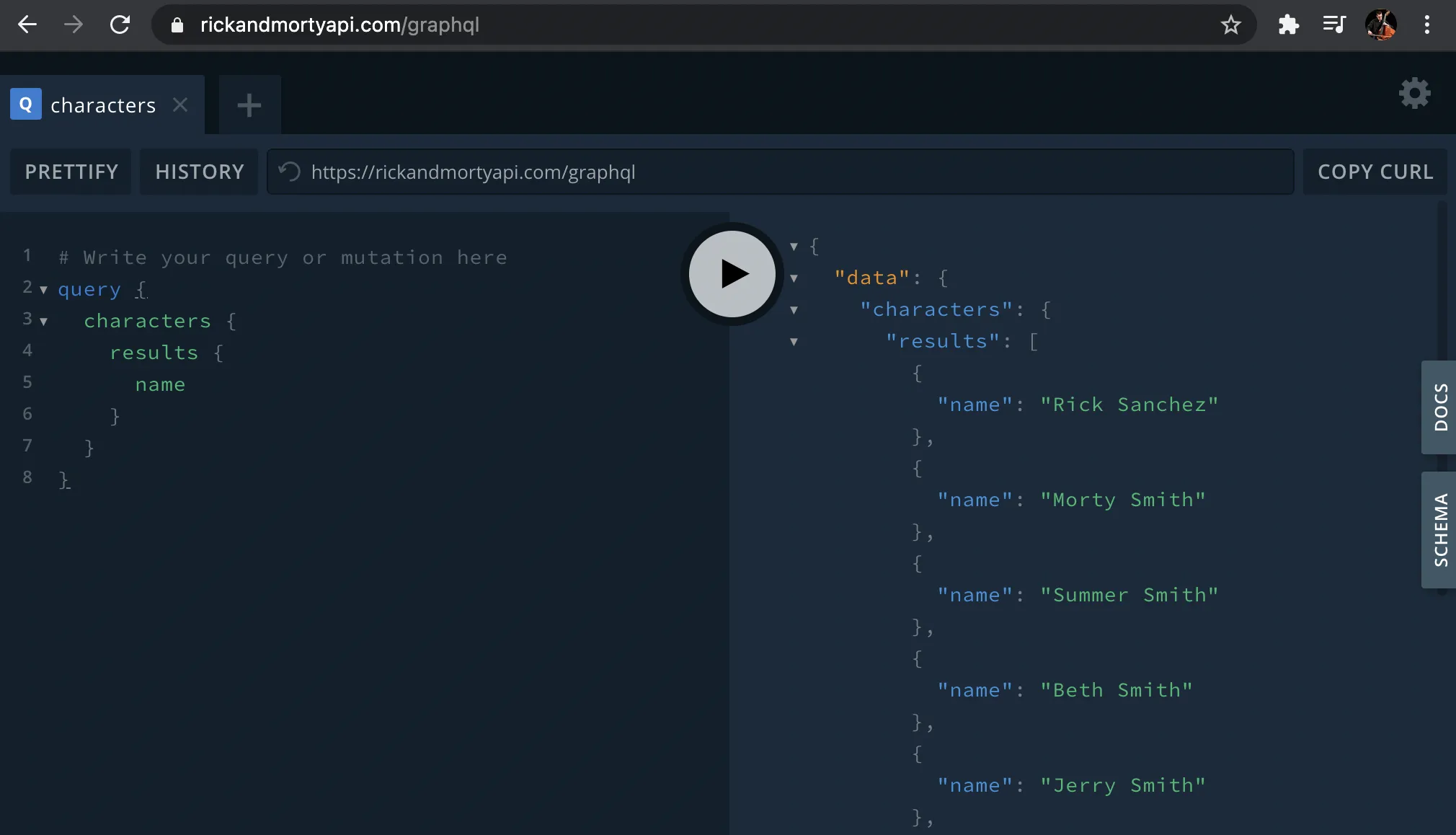
Watch out for Abradolf Lincler, he's a bad dude.

## Query with CURL
If you want to run this same query on the command line, you can use [curl](https://curl.se/). Include the GraphQL endpoint, a header specifying that the `Content-Type` is `application/json`, and a [`data-binary`](https://curl.se/docs/manpage.html#--data-binary) option with the query.
```bash wrap=false
curl 'https://rickandmortyapi.com/graphql' \
-H 'Content-Type: application/json' \
-d '{"query":"{ characters { results { name } } }"}'
```
## Query with the Fetch API
The next layer would be making a `fetch` request.
### Create Project
Create a new blank directory with `public` and `src` directories containing an `index.html` and `index.js` file respectively.
```bash wrap=false
mkdir rick-and-morty-graphql
cd rick-and-morty-graphql
mkdir public src
touch public/index.html src/index.js
```
### HTML Entrypoint
Enter the following `html` boilerplate with a `script` tag for `index.js`.
```html wrap=false
How to Query the Rick and Morty GraphQL API
Fetch API
```
### Fetch Request
Make a `fetch` request to `https://rickandmortyapi.com/graphql` including:
* A `POST` request with `Content-Type` of `application/json`
* The `characters` query we wrote above asking for their `name` included in the `body` and [stringified](https://developer.mozilla.org/en-US/docs/Web/JavaScript/Reference/Global_Objects/JSON/stringify)
* The `results` displayed with `console.log()`
```js wrap=false
// src/index.js
fetch('https://rickandmortyapi.com/graphql', {
method: 'POST',
headers: {
"Content-Type": "application/json"
},
body: JSON.stringify({
query: `
query getCharacters {
characters {
results {
name
}
}
}
`
})
})
.then(res => res.json())
.then(data => console.log(data.data))
```
Open `index.html` with a tool like [Live Server](https://ritwickdey.github.io/vscode-live-server/).
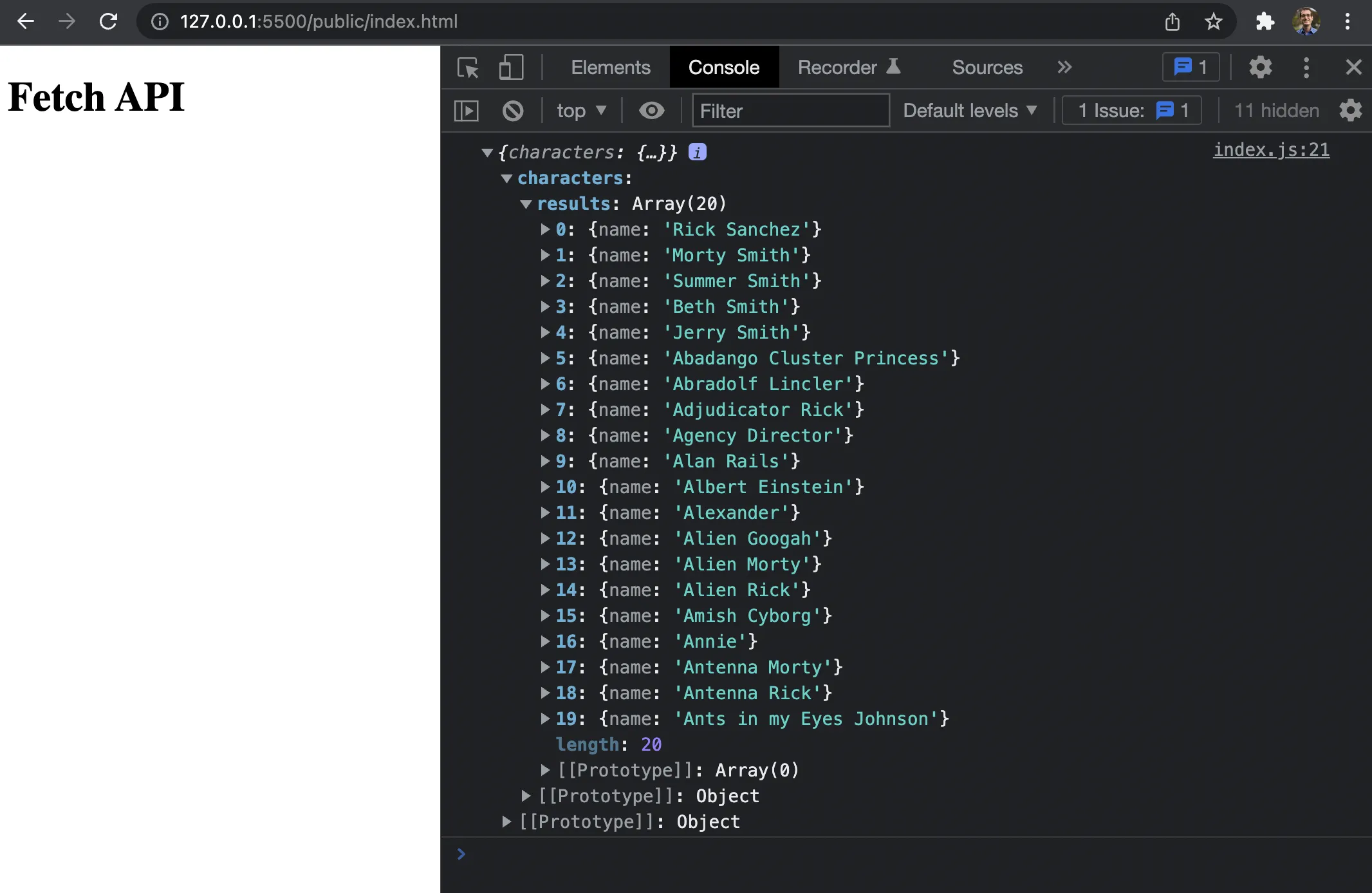
To actually display the results of the query on the page, change the final `.then` function to the following:
```js wrap=false
// src/index.js
.then(data => {
document.querySelector('#root').innerHTML = `
${JSON.stringify(data.data.characters.results)}
`
})
```
This doesn't require installing dependencies, or even creating a `package.json` file. However, there are many GraphQL client libraries which explore a wide range of trade offs. Use cases may include providing concise abstractions for common GraphQL functionality or adding additional features such as caching.
## Query with GraphQL Request
[graphql-request](https://github.com/graffle-js/graffle) is a minimal GraphQL client that supports Node and browsers.
### Install Dependencies
```bash wrap=false
yarn init -y
yarn add graphql graphql-request react react-dom react-scripts
```
### Add Scripts and Browsers List
```json wrap=false
{
"scripts": {
"start": "react-scripts start",
"build": "react-scripts build",
"test": "react-scripts test",
"eject": "react-scripts eject"
},
"browserslist": {
"production": [
">0.2%",
"not dead",
"not op_mini all"
],
"development": [
"last 1 chrome version",
"last 1 firefox version",
"last 1 safari version"
]
}
}
```
### Initialize GraphQL Request Client
```jsx wrap=false
// src/index.js
import React from "react"
import { render } from "react-dom"
import { GraphQLClient, gql } from 'graphql-request'
async function main() {
const endpoint = 'https://rickandmortyapi.com/graphql'
const graphQLClient = new GraphQLClient(endpoint)
const GET_CHARACTERS_QUERY = gql`
query getCharacters {
characters {
results {
name
}
}
}
`
const data = await graphQLClient.request(GET_CHARACTERS_QUERY)
console.log(JSON.stringify(data, undefined, 2))
}
main()
render(
graphql-request
,
document.getElementById("root")
)
```
## Query with Apollo Client
[Apollo Client](https://github.com/apollographql/apollo-client) is a caching GraphQL client with integrations for React and other popular frontend libraries/frameworks.
### Install Apollo Dependencies
```bash wrap=false
yarn add @apollo/react-hooks apollo-boost
```
### Initialize Apollo Client
```jsx wrap=false
// src/index.js
import React from "react"
import { render } from "react-dom"
import { ApolloProvider } from "@apollo/react-hooks"
import ApolloClient from "apollo-boost"
import gql from "graphql-tag"
import { useQuery } from "@apollo/react-hooks"
export const client = new ApolloClient({
uri: 'https://rickandmortyapi.com/graphql'
})
export const GET_CHARACTERS_QUERY = gql`
query getCharacters {
characters {
results {
name
}
}
}
`
function Characters() {
const { data, loading, error } = useQuery(GET_CHARACTERS_QUERY)
const characters = data?.characters
if (loading) return
Almost there...
if (error) return
{error.message}
return (
<>
{JSON.stringify(characters, null, " ")}
)
}
render(
Apollo Client
,
document.getElementById("root")
)
```
## Discover Related Articles
- [A First Look at GraphQL Helix](https://ajcwebdev.com/first-look-gql-helix/)
- [A First Look at KeystoneJS](https://ajcwebdev.com/first-look-keystonejs/)
- [A First Look at PostGraphile with Railway](https://ajcwebdev.com/first-look-postgraphile-with-railway/)
- [GraphQL on the Edge with Cloudflare Work](https://ajcwebdev.com/deploy-gql-edge-server-with-cloudflare/)
- [GraphQL Caching](https://ajcwebdev.com/gql-caching/)